
One order, top to bottom, and everything you can do to it. The page is a stack of panels in a fixed order — who bought it, where it's going, what's in it, what it came to, and then the actions. Panels you can't use don't appear at all, so a short page means there's nothing to do.
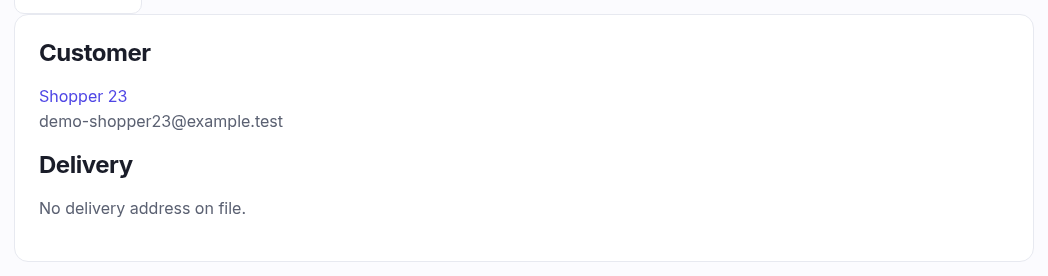
Customer
The buyer's name, linked to their customer record — one click for their order history, their store credit and their contact details. The email underneath is the one the order confirmation went to.
A till sale to someone with no account says Walk-in customer instead, and there's nothing to click: the sale is yours, it just isn't attached to a person. Attach one at the till by scanning their patron fob, and it stops being anonymous.
Delivery
One of three things:
- Collection from store — they're coming in for it.
- An address — exactly as it was at the moment they bought. It's a snapshot, not a live link to their account, so it still shows where the parcel actually went even if they move house next year. That's deliberate: it's what you'd need if the order is ever disputed.
- No delivery address on file — normal for a till sale.
The header
The order number, the status badge and when it was placed. The badge is the same vocabulary as the list: Pending, Paid, Shipped, Refunded, Partially refunded, Cancelled.