
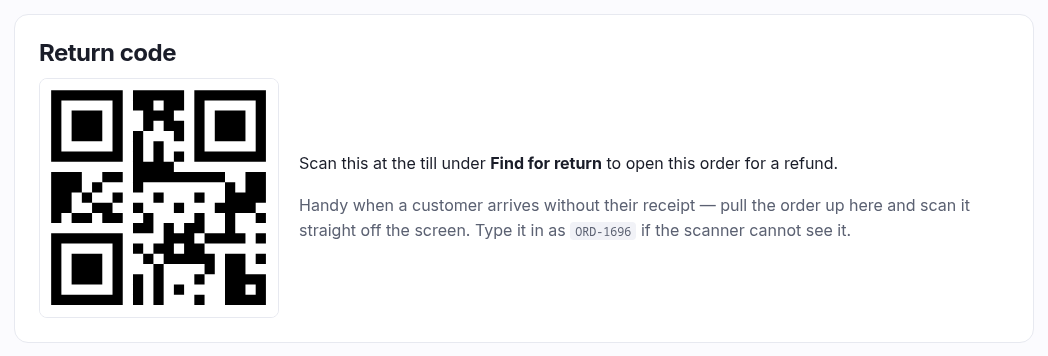
A QR code that pulls this order up at the till.
When it's there
Two conditions, and both have to hold:
- The order is paid. An unpaid order would scan to "no paid order found", so showing the code would be a promise the till can't keep.
- Your plan includes point of sale. Without a till there's nothing to scan it with.
If either isn't true the whole panel is absent — that's not a fault.
What it's for
A customer turns up wanting to return something and hasn't got their receipt. Rather than hunting through the till's search, pull the order up on this page and scan the code straight off the screen under Find for return at the till. The order opens ready to refund.
It's printed on till receipts as well, so the usual case is scanning the customer's paper. The
code is written out underneath as ORD-1042 so you can type it if the scanner won't
read a screen.
The number in the code is your order number — the same one on the customer's receipt and at the top of this page. Two shops can both have an order 1042 without ever colliding, because the till only ever looks inside your own shop.
Web orders too
It isn't only for till sales. A customer who bought online and wants to bring it back to the counter can be served the same way — pull their order up here and scan it.