
The first decision: do you want the goods back? Nothing is refunded here.
Approve — ask them to send it back
Emails the customer your returns address and asks them to post the items, quoting their RMA code so you can match the parcel to the request when it lands. The return moves to Awaiting return and waits.
Set that address under Settings ▸ Delivery ▸ Returns, along with any instructions you want on the email — "pack cards in a toploader", or who pays return postage. Leave the address blank and your shop address is used, so the email is never broken, but it will send people to your shop floor whether or not that's where returns go.
Then it's their move
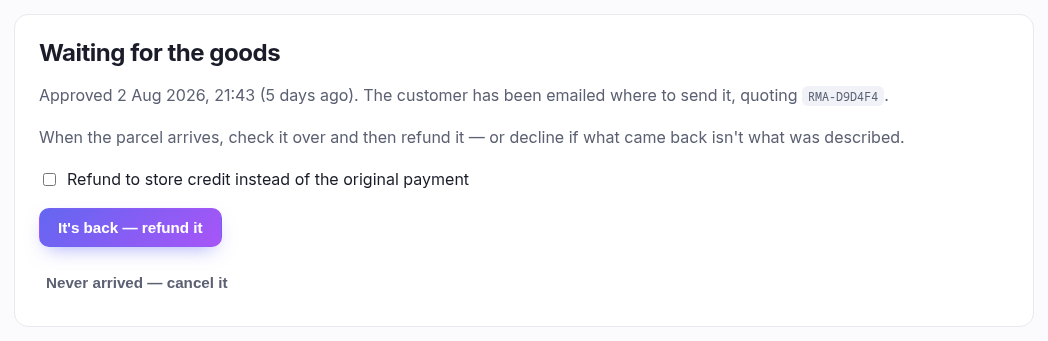
While you wait, the return shows when you approved it and how long ago. Two buttons sit here:
| Button | When to use it |
|---|---|
| It's back — refund it | The parcel arrived and you're happy with it. This is the step that moves money. |
| Never arrived — cancel it | They asked, you agreed, nothing came. Closes the return as Cancelled with no refund. The customer isn't emailed, so chase them first if you think it's still coming. |
Refunding it
The refund is worked out from the lines they asked for — you don't type an amount. The money retraces how they paid, in the same fixed order as any other refund: the original tender first, then any gift card, then any store credit. Anything that can't be sent automatically is recorded rather than paid, and the message says so — the books are right, but you still have to hand the money over.
The refund carries the RMA code as its reason, so on the order's refund history it reads Return RMA-A87FF6 rather than an anonymous amount. That's the thread from the money back to the request.
Restock — tick per line, and think about it
Each line has its own Restock box, ticked by default, and they're only offered once the goods are actually back — which is the point of the second step. Leave it on for something saleable going to the shelf. Turn it off for anything damaged: given how many returns are "it arrived bent", the default is wrong more often than it's right, and restocking a damaged card puts a unit into your count that you can't sell.
Refund to store credit instead
Only if your plan includes store credit. Puts the money on their account rather than back where it came from. They tend to prefer the original payment; you tend to prefer credit. Your call, per return.