
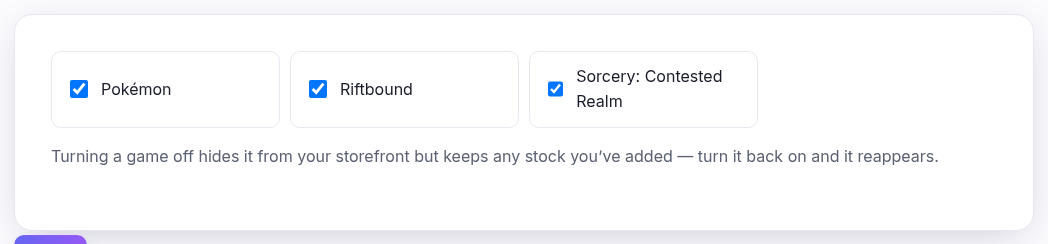
Which games your shop carries at all. Everything else in the Catalogue area starts here — a game that isn't ticked doesn't appear in the Singles or Sealed drop-downs, and its cards can't be added.
Your allowance
How many games you may carry is set by your plan, and the line under the grid counts what you've used — 2 of 3 used. On an unlimited plan there's no counter and no cap.
When you reach the cap the remaining tiles go grey and can't be ticked. That isn't a fault: untick one to free a slot, or upgrade from the link above the grid. The limit is enforced on save as well, so it holds however you get here.
Turning one off doesn't delete anything
Stock you've added stays exactly where it is — it's hidden from your storefront, not removed. Turn the game back on and it all reappears, priced as you left it. That makes this a safe way to run a seasonal game, or to try one and change your mind.
What to do after switching one on
- Pick your sets under Catalogue ▸ Sets if you don't want all of them.
- Add the cards you carry from Singles and Sealed.
- Check your menu under Navigation so shoppers can find it.