
Whether you sell a set on the storefront, which languages you will buy it in, and what a non-English copy is worth. Everything is on by default, so a new game needs nothing done here at all.
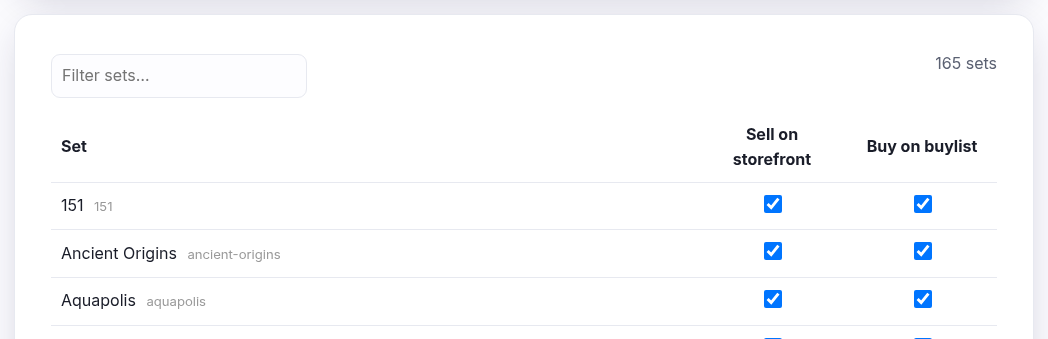
Selling is one switch, buying is per language
That difference is deliberate. You choose the language when you add the stock, so selling only needs to know whether the set appears at all. Buying is the other way round — the customer brings whatever they have, so you need to be able to say you will take English but not Italian.
| Sell | Buy | What that combination means |
|---|---|---|
| on | on | Normal. You stock it and you will take it in. |
| on | off | Sell what you have, but stop people bringing you more. Usually because you are overstocked. |
| off | on | Buy it in without listing it — collecting ahead of a reprint or a rotation. |
| off | off | Nothing to do with this set. |
Untick every language and you are not buying the set at all. The columns you see are the languages you sell, so a shop trading only in English sees a single Buy switch.
What a foreign card is worth
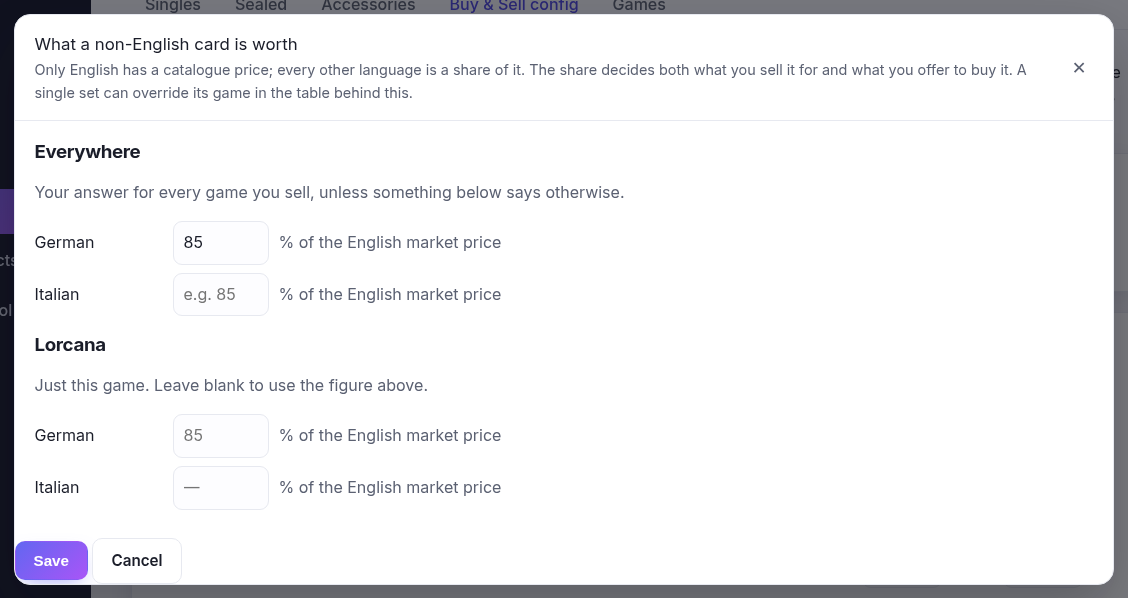
Only English has a catalogue price — every other language is a share of it. The ⚙ Language pricing button sets that share for the whole shop and for this game; the % column in the table sets it for one set, beating both.
One figure, used twice: it decides what an Italian card sells for and what you offer to buy it. Without it a non-English card cannot be priced at all, and the buylist will say so rather than quote an English price for a foreign card.
Nothing saves until you press Save
Tick as many as you like and press Save once. The Filter sets box narrows the table as you type without a page load — useful when a game has three hundred sets — and the count beside it tells you how many the game has in total.