
For something the shared catalogue doesn't have — a bundle you made up, a second-hand box, a playmat, an hour at a table. You author all of it: the title, the picture, the price.
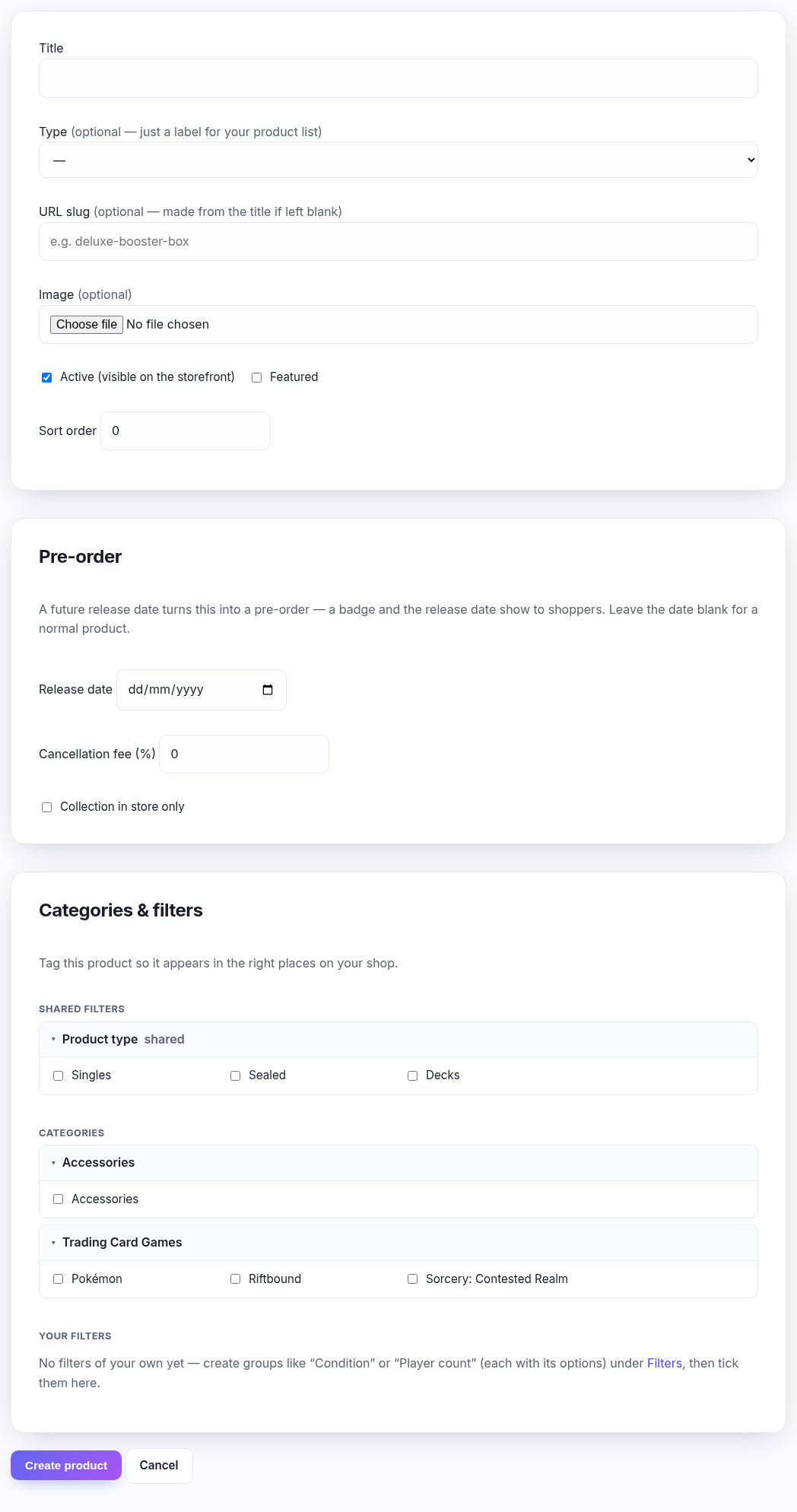
Check the catalogue first. If it's a card, a sealed box we hold, or an accessory we carry, add it from Catalogue instead — you get the artwork, the set, the rarity and a market price that maintains itself. Typing it in here gets you none of that, forever.
Field by field
| Field | What to put |
|---|---|
| Title | The only required field. What customers see. |
| Type | Sealed, accessory, gift card or booking. Just a label — nothing behaves differently because of it. It's there so your own products list can be filtered. |
| URL slug | The web address. Leave it blank and it's made from the title, which is almost always what you want. Lower-case letters, numbers and hyphens only. |
| Image | Optional, and addable later. |
| Active | Ticked by default. Untick to build it quietly and reveal it later. |
| Featured | Flags it for wherever your theme highlights products. |
| Sort order | Lower sorts earlier where products are listed by hand. Leave at 0 unless you're arranging something deliberately. |
Pre-order
Only if your plan includes it. A future release date turns the product into a pre-order — shoppers see a badge and the date. Add a cancellation fee if you want one, and tick Collection in store only for something you won't post.
Categories & filters
Where it appears when shoppers browse and filter. Tag it now or later; an untagged product is still findable by search and by its own link, it just won't show up under a category.
What happens when you save
You land on the product's own page, and it has no price and no stock — you create the thing here and stock it there. Until it has a variant, nobody can buy it, so a half-finished product does no harm.