
The figures you need for a VAT return, for whatever period you set.
VAT — which case are you?
- If you are VAT registered (a VAT number is saved in Settings ▸ Store details): your prices are treated as VAT-inclusive, and the VAT contained in each sale is broken out here. That's the figure your return needs.
- If you are not VAT registered: no VAT is charged or recorded, and these figures stay at zero. That's correct, not a fault — leave the VAT number blank until you register, and the shop simply won't add tax.
The three buckets
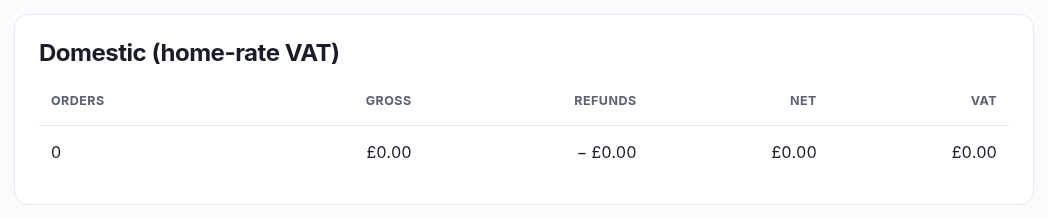
- Domestic — sales in your own country, with the VAT you charged.
- EU OSS — sales to EU countries where you charged that country's rate, broken down per country. This is what an OSS return wants.
- Zero-rated exports — cross-border sales carrying no VAT.
Which bucket an order lands in is decided by the address it shipped to and whether VAT was actually charged. Collection orders count as domestic — the customer took them away in your shop.
Good to know
- Every figure comes from the order's own snapshot, taken at the moment of sale, so a historical return never changes if a rate is edited later.
- Periods are bucketed in your shop's timezone, so an order placed late on the last night of a quarter falls in the right one.
- If you haven't entered a VAT number in Settings, the report says so — it's showing you what was charged, which for an unregistered shop should be nothing.