
Sets the fixed amounts customers can buy a gift card in. Needs the Gift cards feature. You're not creating cards here — you're deciding which values are on sale.
Adding a denomination
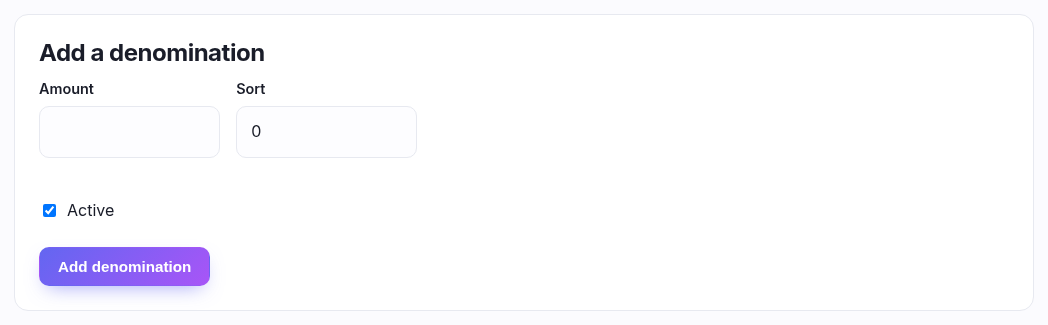
| Field | What to put |
|---|---|
| Amount | The face value, e.g. 25 for a £25 card. |
| Sort | Controls the order they appear to the customer. Lower shows first; leave at 0 and they order by amount. |
| Active | On by default. Untick to take a value off sale without deleting it. |
A sensible ladder is 10 / 20 / 25 / 50. Every row in Your denominations is editable in place — change the amount or sort and save that row.
How a gift card actually works
- Buying one is an ordinary purchase; the card is issued with a unique code once the order is paid.
- At checkout a customer enters the code and it comes off the total. A partly-used card keeps its remaining balance for next time.
- Refunds can be issued to a gift card — see the returns article — which is how you give money back without putting it on a card.
Good to know
Deactivating or deleting a denomination only stops new cards being sold at that value. Cards already out there keep working — you can't strand a customer's balance by tidying this list.