
A role is a named bundle of permissions. You give a person a role rather than ticking twenty boxes for each new starter, and changing the role changes it for everyone who has it.
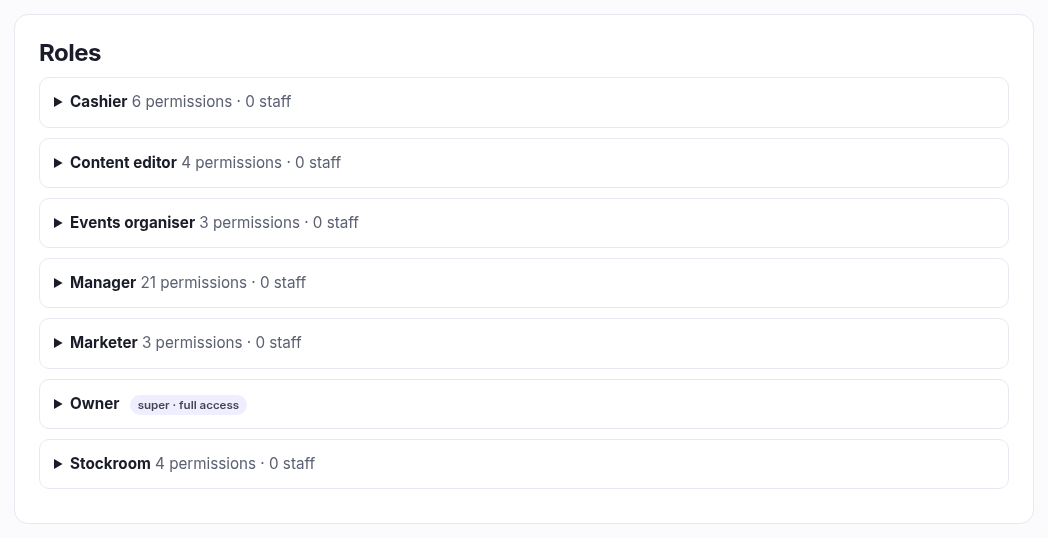
The roles you start with
| Role | Meant for |
|---|---|
| Owner | You. Full access to everything, always. It can't be edited or deleted, and only an owner can give it to someone else. |
| Manager | Runs the shop day to day — nearly everything except the things that are really yours. |
| Cashier | Serves customers: the till, orders, the basics. No settings, no money-wide reports. |
| Stockroom | Products, stock and the scanner. Doesn't need to see customers or takings. |
| Content editor | Pages, the blog, navigation. The person who writes, not the person who sells. |
| Marketer | Campaigns and discounts. |
| Events organiser | Events, bookings and the league. |
Every one of these except Owner is yours to edit — they're a starting point, not a fixture.
Making your own
Give it a name (lower case with dashes reads best — weekend-staff)
and a short description saying who it's for, then tick the permissions. They're
grouped by area, so you can work down the page by the part of the shop rather than hunting.
Editing and deleting
Expand a role to change its permissions, and save. The change applies immediately to everyone who has that role — which is the point, and also the thing to be careful about on a Saturday afternoon.
A role in use can't be deleted; the button tells you so and stays disabled until you've moved those staff onto another role. That's deliberate — deleting a role out from under someone would silently strip their access mid-shift.
How to think about it
Give the least access that lets someone do their job, and widen it when they hit a wall. It's not distrust — it's that a Saturday helper can't accidentally change your VAT rate or delete a product line if the option was never on their screen. If one person genuinely needs one extra thing, use a permission override on their account instead of widening the role for everybody.