
The dashboard is the first screen you see when you sign in. It's a glance at how the shop is trading right now — not a place you change anything, but the jumping-off point to everywhere else.
The tiles
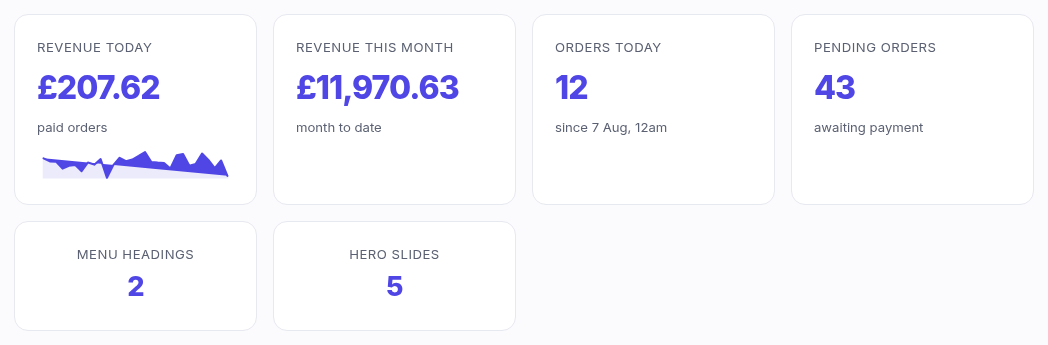
Along the top are stat tiles. Which ones you see depends on your role:
- Revenue today and Revenue this month — the value of
paid orders (card, gift card or store credit; cash sales at the till count too). The
small graph under "today" is the last 30 days, so you can see whether today is up or down on
the trend. Shown to staff with the
reports.viewpermission. - Orders today — every order started today, paid or not. Click it to jump to the orders list.
- Pending orders — orders that reached payment but haven't been paid. Clicking it opens the orders list already filtered to Pending.
- Menu headings and Hero slides — quick counts that link to the Navigation and Pages editors.
Recent orders
The five newest orders, with their status badge. "View" opens the full order. This list only
shows if you can see orders (orders.view).
Get set up
A checklist of the main editors — Products, Store details, Navigation, Pages. It's here to give a new shop an obvious first move; you can ignore it once you're up and running.
Good to know
- Money figures use your shop's currency and timezone (set in Settings), so "today" means your local day, not the server's.
- Nothing here is editable — every tile is a shortcut. To act on an order, open it from the orders list.